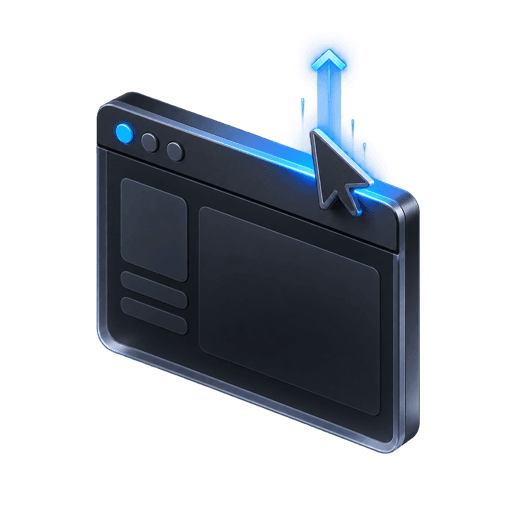
Desktop edge detection
Trigger when the pointer leaves through the top edge rather than on ordinary mouse movement.
02 / Exit intent
Trigger a relevant last-step offer when intent changes: at the browser edge on desktop or after meaningful inactivity and visibility changes on touch devices.
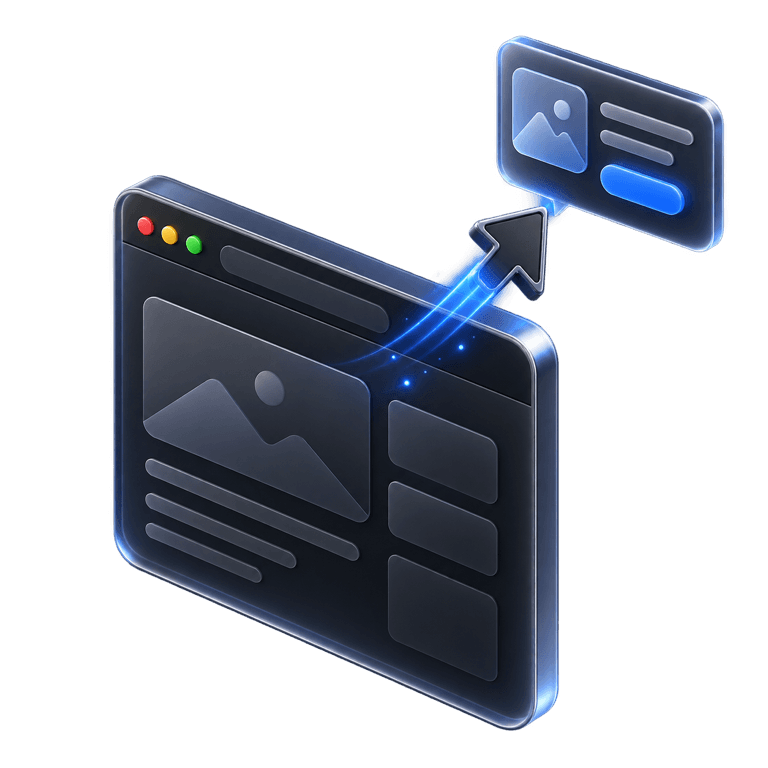
Top edge
Desktop
30 sec
Mobile idle
Once
Session mode
2
device-aware signal paths
4
frequency modes and controls
20
target URL patterns per list
Live
close and conversion events
01 / The opportunity
A good exit campaign reacts to context and gives the visitor a relevant next step without repeatedly blocking the page.
Without a focused flow
With PopupForge
Use desktop and touch-aware exit signals.
Target or exclude specific paths and campaigns.
Cap exposure by session or cooldown.
Stop showing after a successful conversion.
02 / Capabilities
Exit intent is one part of a broader display gate that considers page, device, schedule and visitor state before arming the trigger.
Trigger when the pointer leaves through the top edge rather than on ordinary mouse movement.

Use inactivity and real visibility changes for devices without a desktop pointer.

Include or exclude exact paths, wildcards and campaign query strings.
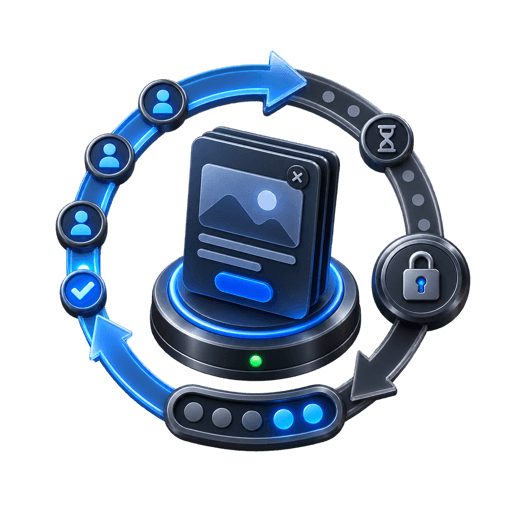
Choose always, session or a cooldown window and optionally hide after submit.
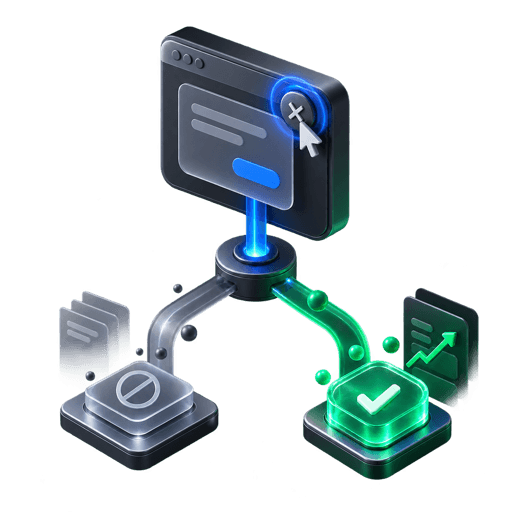
Distinguish a dismissal from a close that follows a successful conversion.

Keep centered and corner formats inside narrow browser viewports.
03 / Workflow
Every rule is evaluated before the exit listener can display a popup.
Resolve an unfinished task with a useful incentive, guide or next step.
Set paths, exclusions, device rules and optional schedule boundaries.
Choose session behavior, cooldown and post-conversion handling.
Compare views, closes and submissions on the intended pages.
04 / Questions
Everything here reflects the current PopupForge product, not a future roadmap.
PopupForge listens for the pointer leaving through the browser’s top edge and limits the trigger to one firing per session.
Yes. Touch devices use an inactivity timer and a real hide-then-return visibility signal instead of relying on mouse movement.
Yes. Use session frequency, a configurable cooldown, or hide-after-submit behavior.
Yes. Target and exclusion lists support paths, query strings and wildcard patterns.
05 / Further reading
Start with your website
Pair the right offer with the right signal, then control where and how often it appears.