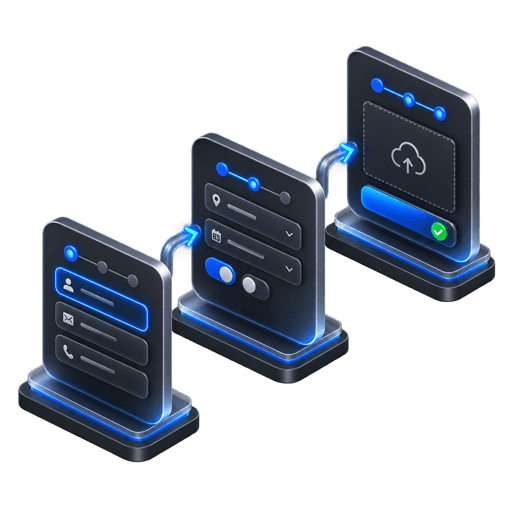
Multi-step forms
Arrange up to three focused steps with the field types and copy that fit the offer.
01 / Lead capture
Build brand-matched, multi-step lead popups that ask one focused question at a time, publish with one script and show you where each conversion happened.
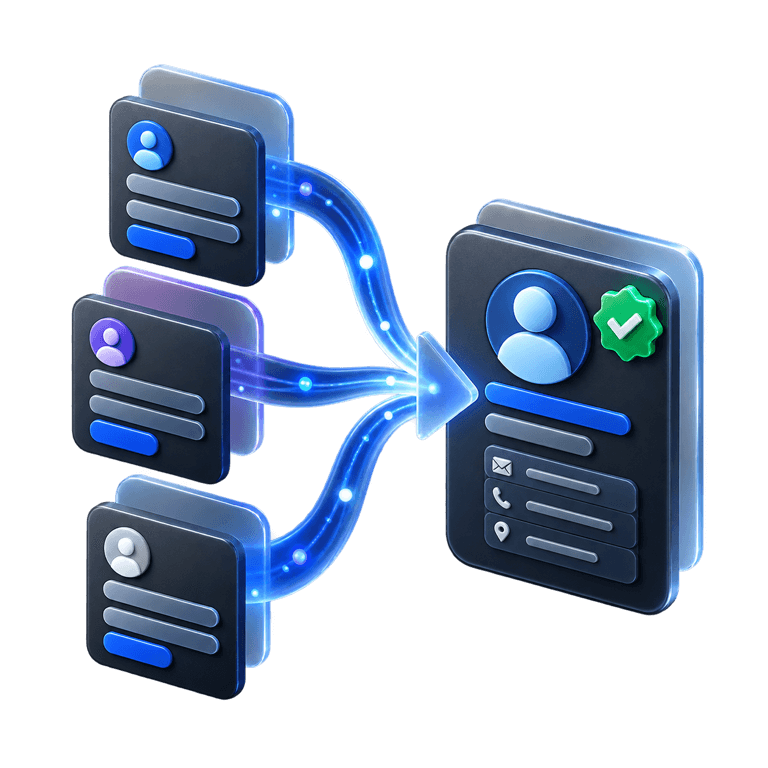
3 steps
Focused flow
12.7%
Example rate
Live
Analytics
6-8
brand-matched AI directions
8
distinct composition systems
4
behavior-based triggers
1
script tag to publish
01 / The opportunity
A useful lead flow reduces the work visible at any one moment and measures the journey instead of treating the form as a black box.
Without a focused flow
With PopupForge
Ask for one decision at a time.
Match the popup to the page and campaign.
Measure views, steps, closes and submissions.
Send qualified leads into the tools you already use.
02 / Capabilities
Design, targeting, delivery and measurement live in one workflow, so improving a campaign does not require rebuilding your website.
Arrange up to three focused steps with the field types and copy that fit the offer.
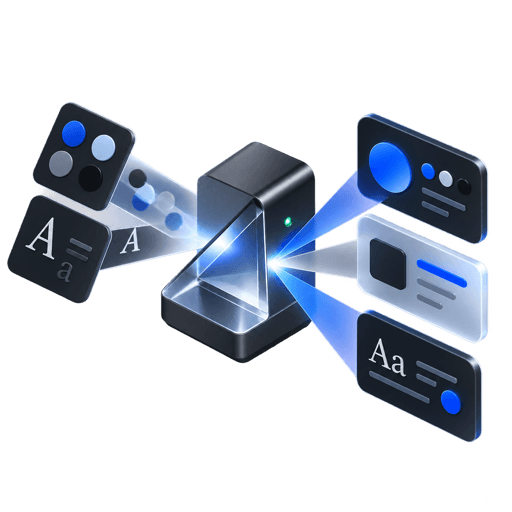
Start from your public website and review several distinct visual compositions.
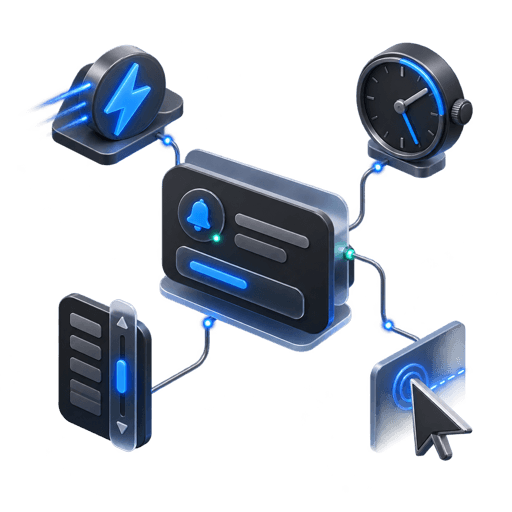
Launch immediately, after a delay, at a scroll threshold or on exit intent.
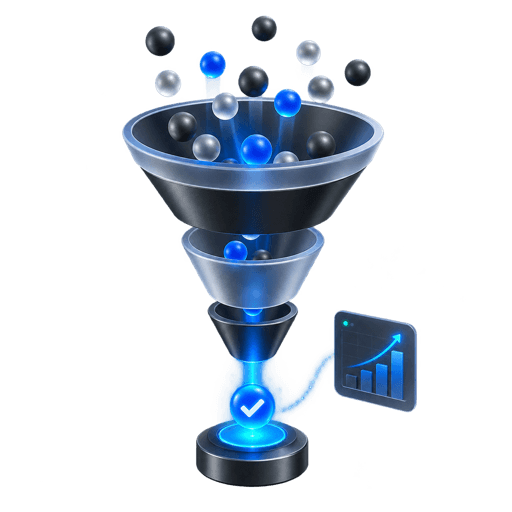
Track the path from view to step progression, close and successful submission.
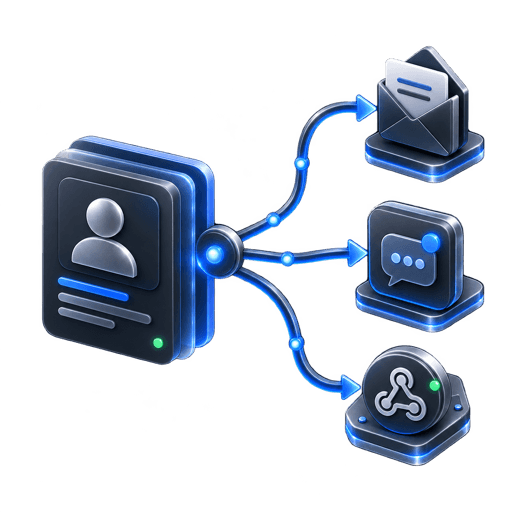
Use email, CSV, Slack or signed HTTPS webhooks according to your plan.
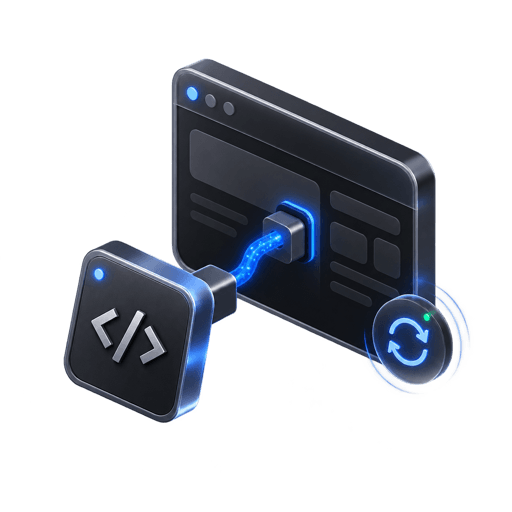
Install once, then update the popup from PopupForge without another site deployment.
03 / Workflow
The workflow keeps creative direction, implementation and measurement connected.
Paste the public URL you want the popup to match.
Review the generated compositions and select the strongest fit.
Edit fields, steps, copy, trigger and targeting rules.
Install the script, collect leads and monitor the funnel.
04 / Questions
Everything here reflects the current PopupForge product, not a future roadmap.
Yes. PopupForge supports multi-step flows and reports progression through distinct steps.
Current fields include text, email, phone, number, URL, textarea, select, checkbox, radio and date.
Yes. Leads can be exported, while paid plans add delivery options such as Slack and signed HTTPS webhooks.
No. Once the embed script is installed, published configuration changes are loaded by the script.
05 / Further reading
Start with your website
Start with your existing design language, choose a direction and publish when the flow feels right.