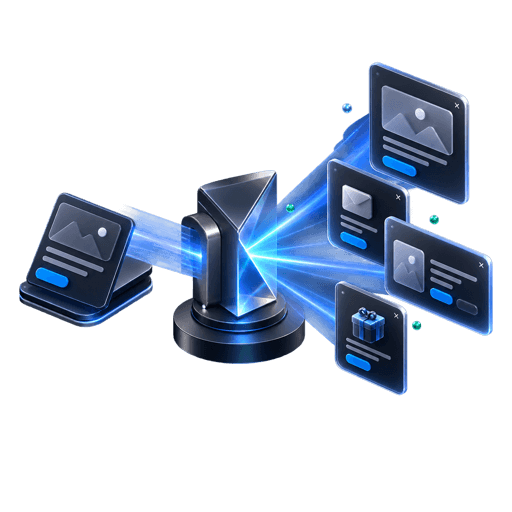
Launch-ready directions
Generate compositions from the landing page, product site or release page.
04 / SaaS launches
Turn product pages, changelogs and coming-soon sites into focused waitlist and announcement flows, then measure which message earns the signup.
Beta
Campaign
3 steps
Qualification
Live
Waitlist
6-8
launch directions from one URL
3
focused form steps
1
embed script
Live
waitlist analytics
01 / The opportunity
A focused waitlist turns passive visits into a research and announcement channel without pretending that signup volume alone proves demand.
Without a focused flow
With PopupForge
Capture interest before launch day.
Ask a small number of qualifying questions.
Compare message and page-level performance.
Export or route the list into launch operations.
02 / Capabilities
Use the same system for an early waitlist, a feature announcement, a beta invite or a qualified demo path.
Generate compositions from the landing page, product site or release page.
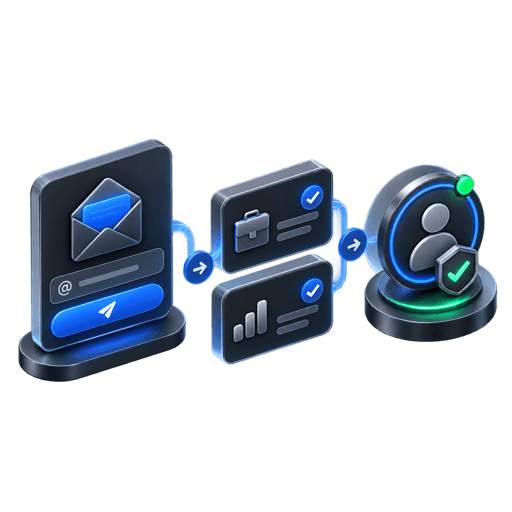
Collect email first, then ask only the questions that shape research or access.
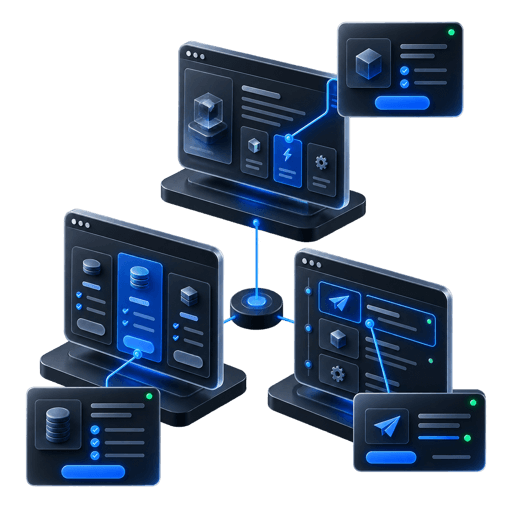
Run distinct offers on pricing, feature, changelog or campaign pages.
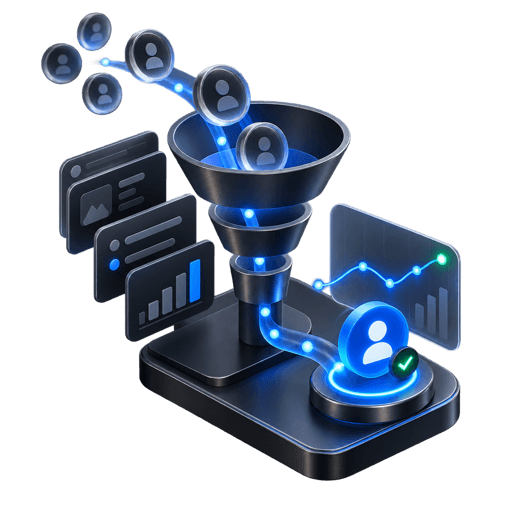
Measure views, step progression and completed signup rate.
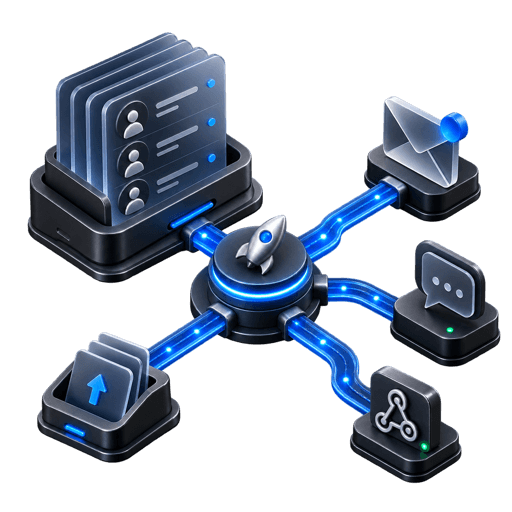
Export the list or route paid-plan submissions through Slack and HTTPS webhooks.
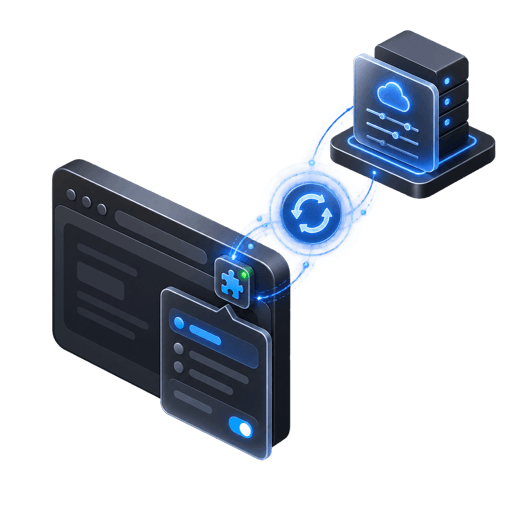
Change the copy, fields or timing after the script is already installed.
03 / Workflow
A launch flow should make the next step obvious without asking for a full sales form too early.
Explain what is launching and why joining now is useful.
Collect the minimum information needed for access, research or follow-up.
Target the pages and moments where product intent is strongest.
Review conversion and responses, then refine the message.
04 / Questions
Everything here reflects the current PopupForge product, not a future roadmap.
Yes. A public coming-soon or product page can host the embed and collect a waitlist before launch.
Yes. Multi-step fields can collect a small amount of additional context after the initial question.
Export the submissions as CSV or use paid-plan delivery options to connect them to your operating workflow.
Yes. The installed script loads the currently published configuration, so the campaign can evolve with the launch.
05 / Further reading
Start with your website
Build the waitlist, qualify carefully and keep learning as the launch message evolves.