Store-matched design
Generate visual directions from the storefront’s public design language.
03 / E-commerce
Create storefront-matched discount and email-capture popups that appear in the right context, deliver the offer clearly and keep the campaign measurable.
15%
Offer example
Capture
Live
Campaign
1
script across the storefront
4
behavior-based triggers
20
target URL patterns per list
Live
submission analytics
01 / The opportunity
The best store popup is not a floating coupon detached from context. It matches the storefront, respects frequency and makes the exchange clear.
Without a focused flow
With PopupForge
Match colors, type and composition to the storefront.
Target collections, products or campaign URLs.
Use timing, scroll or exit behavior intentionally.
Measure captured emails and campaign conversion.
02 / Capabilities
Control the campaign from PopupForge after installing the embed, while keeping the experience aligned with the rest of the store.
Generate visual directions from the storefront’s public design language.
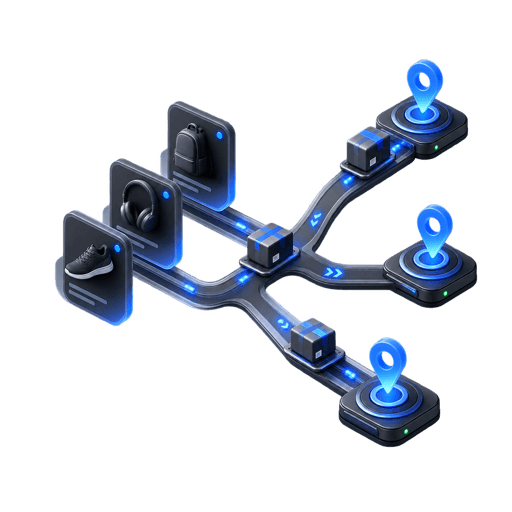
Target exact pages, wildcard groups and query-based campaigns.

Use delay, scroll or exit intent instead of showing every offer immediately.

Avoid repeated interruption with session, cooldown and post-submit rules.
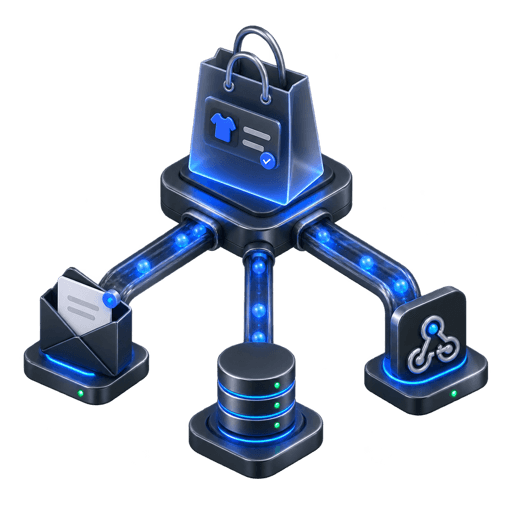
Export submissions or connect paid-plan delivery to your wider workflow.

Track views, submissions and conversion by the page that displayed the offer.
03 / Workflow
Start from the live store, shape the exchange and publish through the same embed workflow.
Define the offer, eligibility and what the visitor provides in return.
Select and edit a composition based on the store’s design language.
Choose eligible URLs, trigger behavior and frequency rules.
Launch through one script and monitor the resulting submissions.
04 / Questions
Everything here reflects the current PopupForge product, not a future roadmap.
Any storefront that allows you to add the PopupForge script can load a published campaign, including common hosted and custom platforms.
Yes. URL inclusion and exclusion patterns can limit the campaign to specific paths or groups of paths.
Yes. Hide-after-submit is enabled by default and can be combined with frequency controls.
PopupForge presents and measures the offer; the actual coupon and its commerce rules remain managed by your store platform.
05 / Further reading
Start with your website
Use the storefront as the creative starting point, then control the campaign without another theme release.